
🏠 Home Feed & Social Features
Posts, stories, connections, and the CryptoNews Bot
📰 Your Home Feed
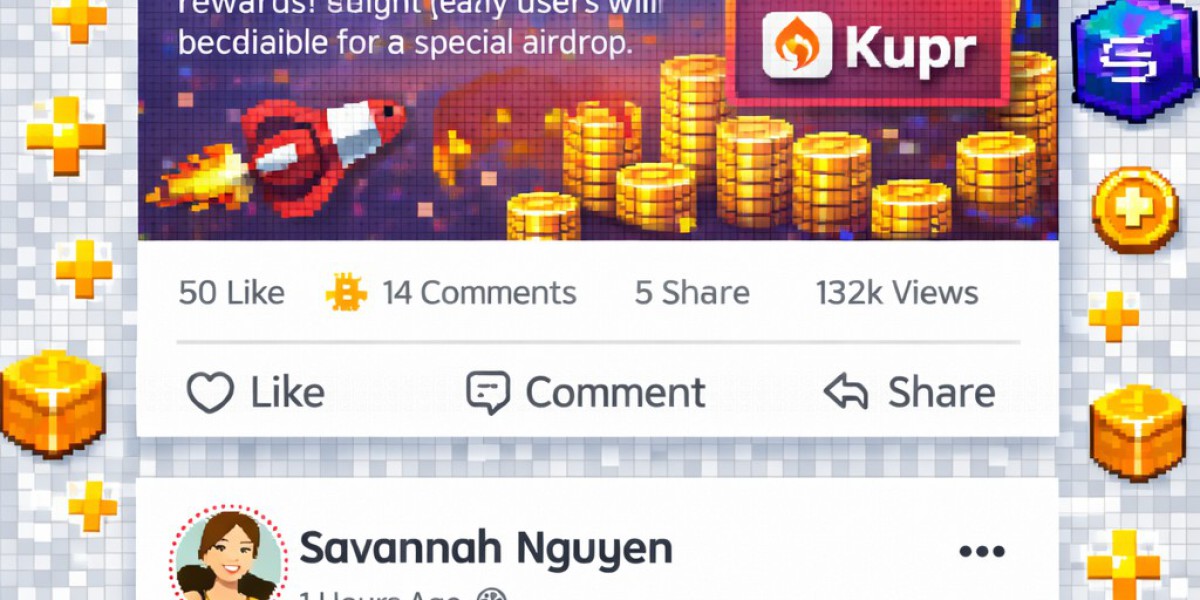
The Home Feed is the heart of KUPR. It shows posts from people you follow, CryptoNews updates, prediction share cards, and VS Challenge duels — all in one stream.
Posts load automatically via AJAX as you scroll. The feed prioritizes content from your connections while mixing in trending predictions and community highlights.
✍️ Creating Posts
Share your thoughts, analysis, and content with the community:
- Text Posts — Share market analysis, opinions, or updates
- Photo Posts — Upload charts, screenshots, or images
- Video Posts — Share trading tutorials or market commentary
- Link Posts — Share articles with auto-generated previews
Each post supports reactions (like, love, haha, wow, sad, angry), comments, and sharing. You can also control visibility with privacy settings:
| Privacy Level | Who Can See |
|---|---|
| Public | Everyone on KUPR |
| Followers | Only people who follow you |
| Mutual | Only mutual followers (both follow each other) |
| Only Me | Private — only you can see it |
📷 Stories
Stories are short-lived visual posts that disappear after 24 hours. They appear at the top of your Home Feed in a horizontal carousel.
- Tap "Add Story" or click the + icon in the stories bar
- Upload a photo or video (max 30 seconds for video)
- Your story appears for all your followers for 24 hours
- View counts and viewer lists are visible only to you
🤖 CryptoNews Bot
KUPR features an automated CryptoNews Bot that publishes breaking crypto news directly into the platform feed. The bot pulls from trusted sources like CoinTelegraph and CoinDesk every few hours.
- Look for posts from the CryptoNews account in your feed
- Each article includes headline, summary, image, and a link to the full story
- News posts are automatically cleaned up after 7 days to keep the feed fresh
- The bot auto-follows all users, so news appears in everyone's feed
🤝 Following & Connections
KUPR uses a follower-based system:
- Follow anyone — Click "Follow" on any profile to see their posts in your feed
- Friend requests — Send a friend request for mutual connections
- Mutual followers — When both users follow each other, they become mutual connections
- Notifications — Get notified when someone follows you, likes your post, or comments
💬 Messages & Chat
KUPR includes a built-in messaging system for private conversations:
- Click the chat icon in the navbar to open messages
- Send text, images, and stickers in real-time
- Group chats available for community discussions
- Message notifications appear in your notification bell
🔍 Search & Discovery
Find people, content, and communities using the search bar:
- People Search — Find users by name or username
- Hashtag Search — Discover posts with specific hashtags like #BTC or #PredictionMarket
- Groups — Join topic-based community groups
- Pages — Follow official project pages
- Saved Posts — Bookmark any post to read later